
We'd Love Your Feedback!
Help us make this tool better for everyone
Thank You! 🎉
Your feedback means a lot to us.
We'll review it and get back to you soon!
Help us make this tool better for everyone
Your feedback means a lot to us.
We'll review it and get back to you soon!
Free channel length calculator: paste a public channel URL for total video length and 1.25x–2x watch-time estimates.
Channel Length Calculator
Built for one clear job: estimate how long it takes to watch a public YouTube channel’s uploads without opening every video manually.
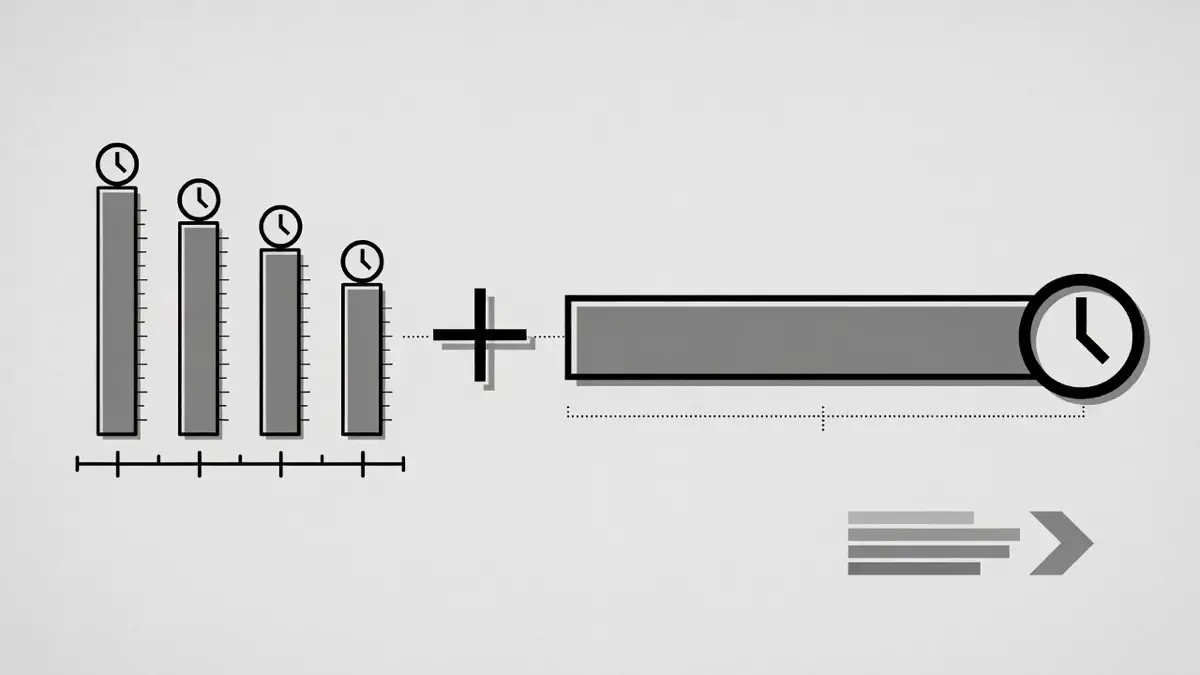
Sum public upload lengths into one total so you can see the full channel watch time at a glance.
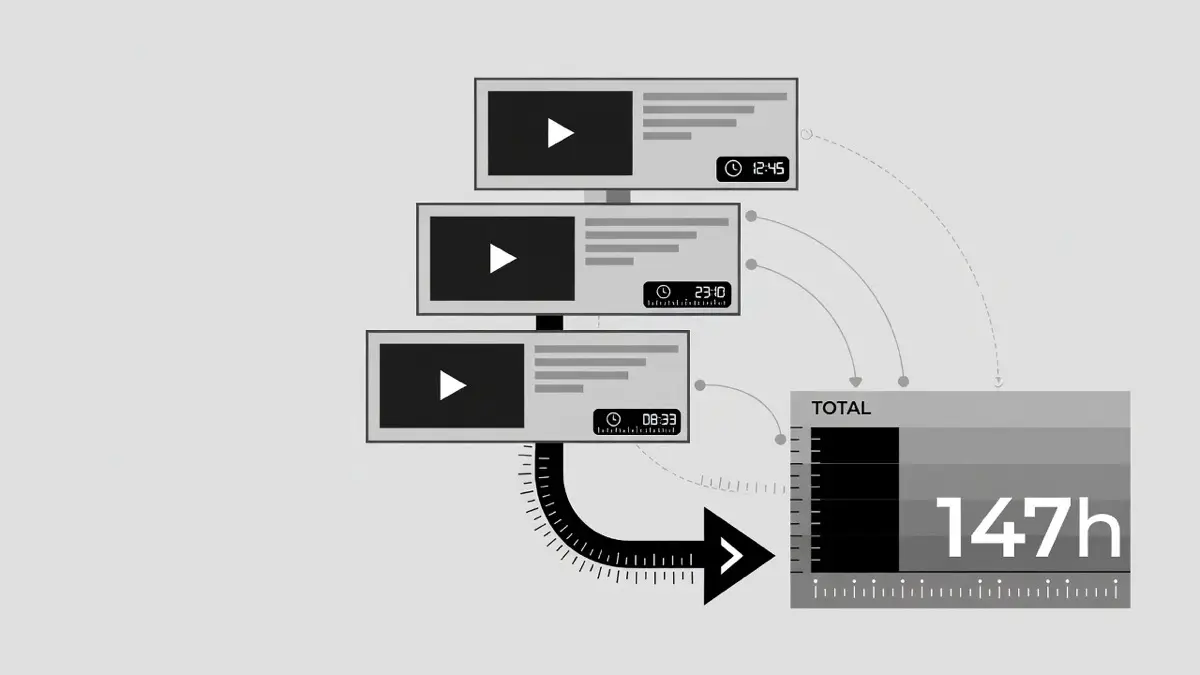
See how many videos were counted in this run, including notes when a very large channel is partially fetched.
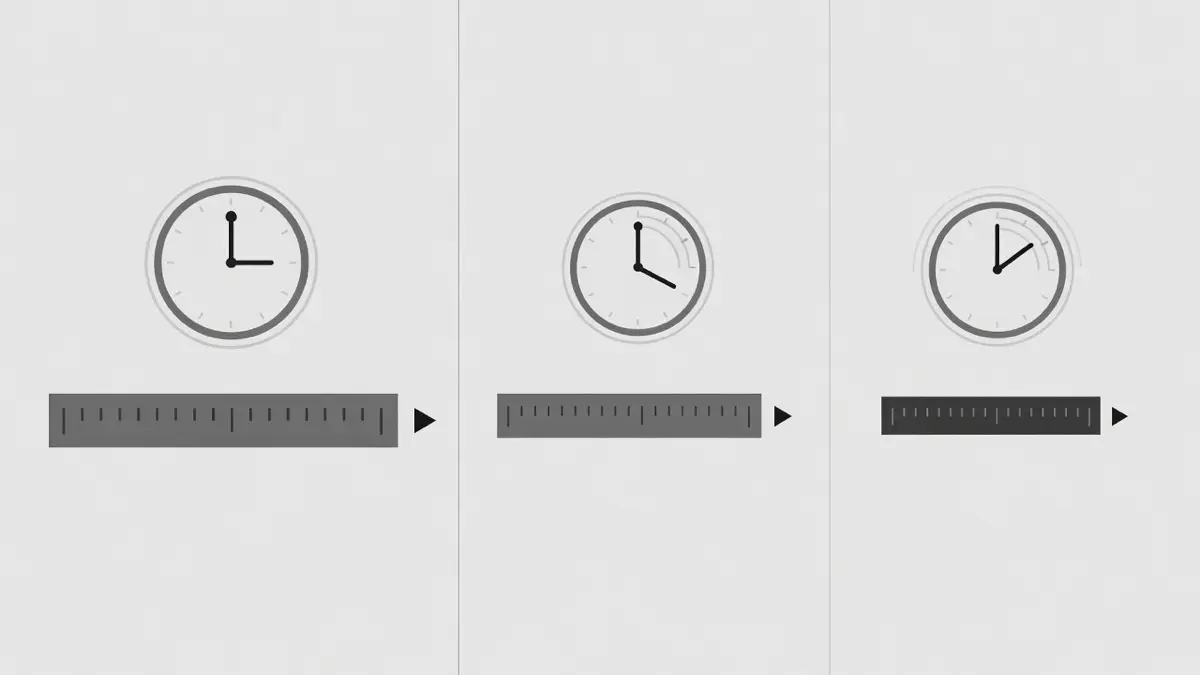
Compare how long the same channel takes at 1.25x, 1.5x, 1.75x, and 2x without mental math.
Total video length
People often ask how long a YouTube channel is, or want a youtube channel total video length calculator for study and binge planning. YouTube does not show one “channel total duration” number on the channel home page. This tool estimates that total video length from public uploads so you can answer “how long would it take to watch this whole channel?” without opening every video.
If you already have one course playlist, the playlist length calculator on the homepage is usually more precise. If you only have a single video, use the video length calculator. Use this page when the link is a channel and you care about overall content duration.
Watch time wording
Searchers also look for a youtube channel watch time checker. Here “watch time” means how long the public content would take to play (channel content duration), including optional 1.5x / 2x estimates. It is not YouTube Studio analytics watch time used for monetization milestones.
We only use public metadata. We never ask for your Google password or Studio access. For creator analytics, open YouTube Studio directly.
When to use it
Use this YouTube Channel Length Calculator when you want the big picture for a creator’s public uploads: total video length of the channel, not just one course playlist.
Typical uses include estimating study time for a teaching channel, comparing creators, or planning how many days a full binge would take at different speeds.
Need a different tool?
YouTube shows each video’s duration on the watch page, but it does not show a simple total channel length for all public uploads. The YouTube Channel Length Calculator fills that gap: paste a public channel URL, resolve the channel’s uploads list, read public video durations, and sum them into one channel length total.
Under the hood the channel length tool uses public YouTube metadata (not private Studio analytics). That means results only cover videos that are publicly available through the API. Deleted, private, or region-restricted items may be skipped. When a duration is missing, the video is treated as unavailable for the channel length total rather than inventing a number.
Large channels can include thousands of uploads. To keep requests reliable and within API limits, each channel length run fetches up to about 1,000 videos in the current range. If a channel is bigger, the result still shows a useful total for the videos loaded and notes that the full catalog may be longer. For a single course or series, a dedicated playlist URL on the playlist length calculator is often more precise than whole-channel length.
Speed estimates answer a practical planning question: if the channel length is 40 hours, how long is it at 1.5x or 2x? The YouTube Channel Length Calculator applies the same playback math used on our playlist and single-video tools so the numbers feel consistent across the site.
Use channel length totals when you are comparing creators, estimating study load for an entire teaching channel, or deciding whether a binge is realistic this weekend. Use the playlist calculator when you already have one list. Use the video duration checker when you only care about one URL.
Trust & safety
Who: This free YouTube Channel Length Calculator is part of ytplaylistlength.one, an independent utility site. We are not YouTube, Google, or an official partner platform.
How: When you paste a public channel URL, we resolve the channel and sum public upload durations via the YouTube Data API. We do not log into your Google account or read private Studio analytics.
Why: YouTube does not show total channel content length on the channel page. This tool exists so students, researchers, and viewers can plan watch time honestly.
FAQ
Answers from real search wording: total video length, watch time vs Studio, free use, safety, and tool choice.