Guide and free thumbnail tool
Download YouTube Thumbnail HD
If you searched for download thumbnail, download thumbnail YouTube, or YouTube thumbnail download, the useful answer is not only a list of image URLs. You need the biggest thumbnail that actually exists for that video.
This guide explains the fastest workflow and links to the free YouTube Thumbnail Downloader whenever you are ready to paste a video URL and save the image.
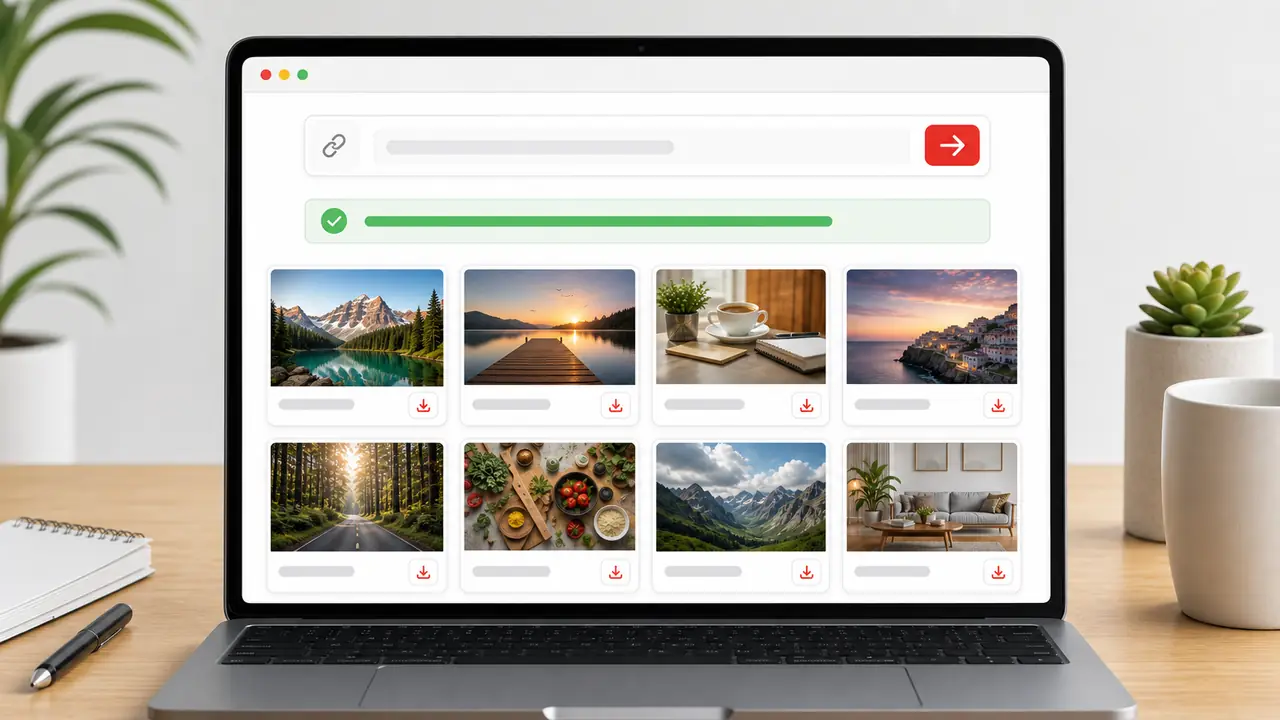
What people usually need from a thumbnail download page
Most searchers want a simple action: copy a YouTube link, see the thumbnail, and save the cleanest image. They also need to know why the largest size sometimes does not appear.
That is why this page is written around the download workflow first, then the quality rules. The tool handles the URL extraction; the guide helps you pick the right file.
How to save a YouTube thumbnail in HD
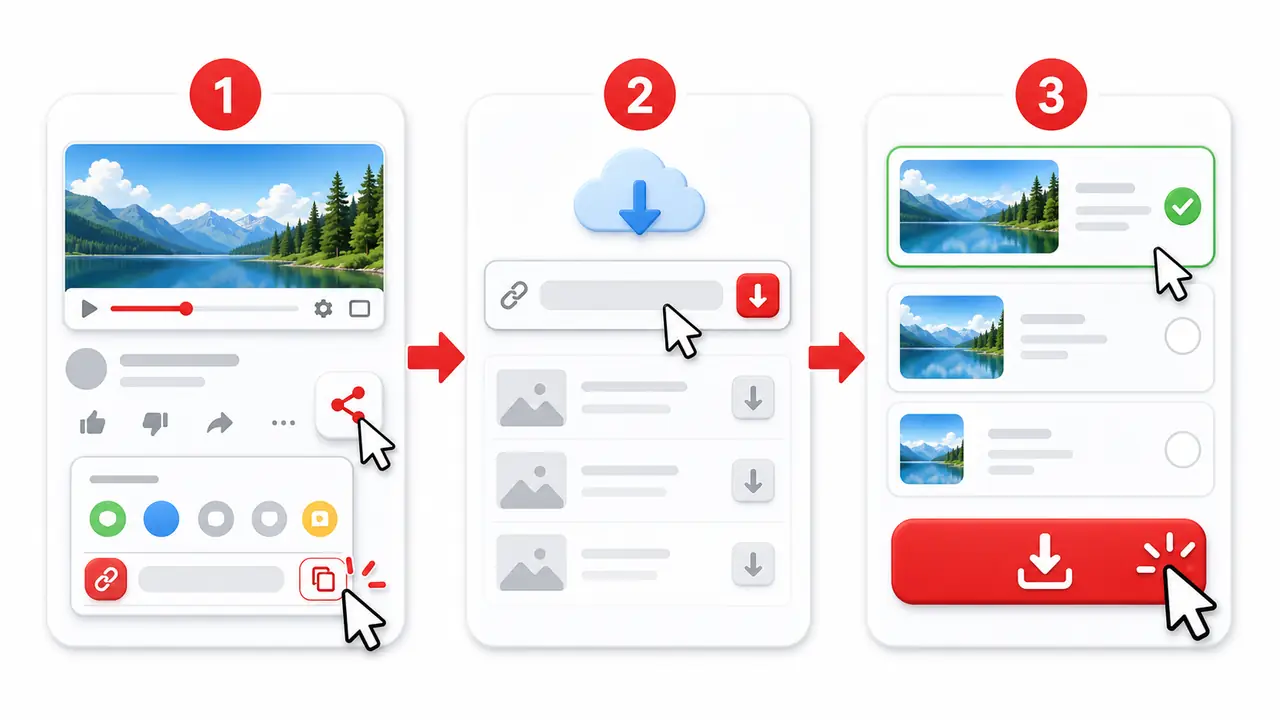
- Copy the URL of the YouTube video, Shorts, or live replay.
- Open the YouTube Thumbnail Downloader and paste the URL.
- Check the largest available result first, usually maxresdefault or another HD option.
- If the HD image is missing, choose the next available size instead of forcing a broken file.
- Save the image and keep the original video link for attribution or reference.
Which thumbnail size should you download?
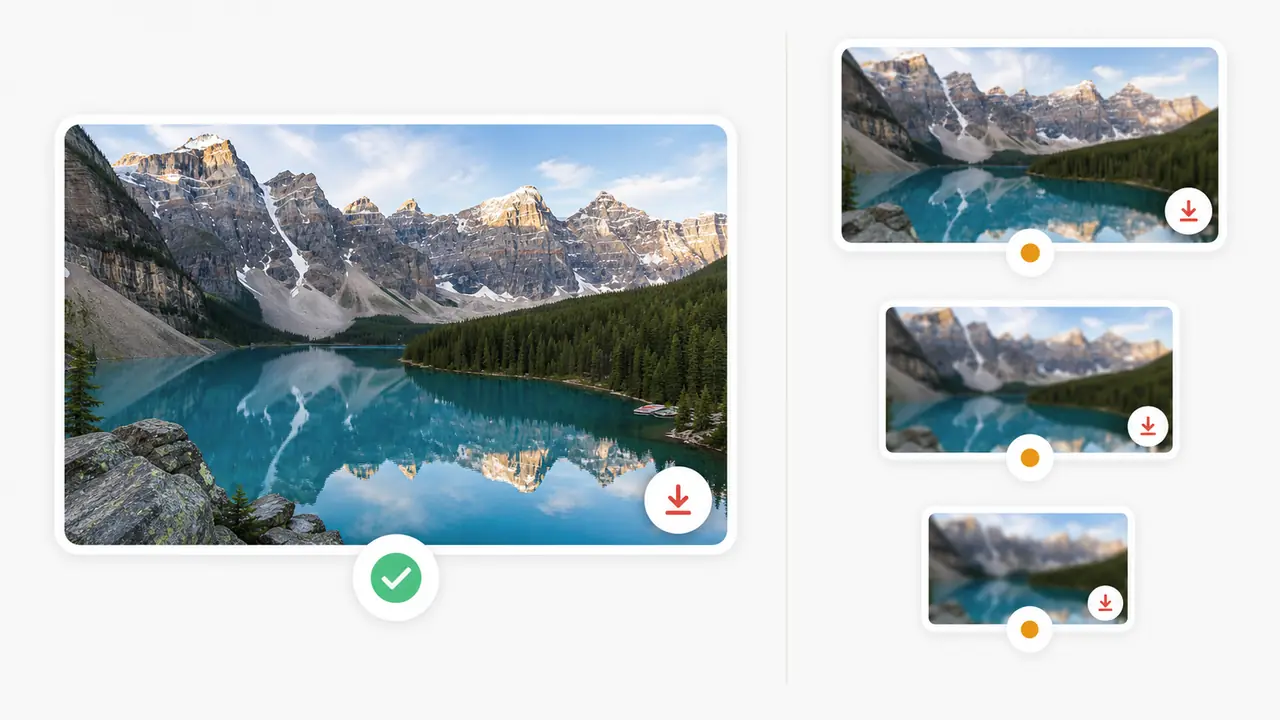
For blogs, notes, presentations, and previews, choose the largest available 16:9 image. On many normal videos this is 1280x720, but YouTube does not guarantee it for every upload.
Older videos, Shorts, live streams, and videos without a custom thumbnail may only expose smaller files. The right behavior is to show what exists and avoid pretending that missing HD files are available.
Best common size
1280x720
Useful when maxresdefault is available for a normal landscape video.
Fallback sizes
640x480 / 480x360
Good enough for notes, small previews, and cases where HD is missing.
Supported URLs
Video, Shorts, live replay
Use a public YouTube URL so the tool can extract the video ID.
Mobile saving tips
On iPhone or Android, open the downloader in the browser, paste the link, then long-press the image or use the download button if your browser shows one.
If the browser opens the image in a new tab, use the share menu or save image option. The exact label differs by device, but the workflow is the same.
Use thumbnails responsibly
A thumbnail is still part of someone else’s YouTube content. Downloading it for reference, notes, education, or internal planning is different from reusing it as your own creative asset.
If you publish the image somewhere else, check the video owner, context, and platform rules first.
FAQ
How do I download a YouTube thumbnail in HD?
Copy the video URL, open the thumbnail downloader, paste the URL, and choose the largest available image. If maxresdefault exists, that is usually the HD option to save.
Why is maxresdefault missing for some videos?
YouTube does not generate every thumbnail size for every video. Shorts, older uploads, live streams, and videos without a custom thumbnail may only have smaller files.
Can I download thumbnails from YouTube Shorts?
Yes, if the Shorts URL has a public video ID. The available image size can be different from a normal landscape video.
Can I use the downloaded thumbnail on my own website?
Be careful. The image belongs to the creator or rights holder. For public reuse, check permission, fair use rules, and your platform policy.
Does this require a YouTube API key?
No for the thumbnail workflow. The downloader can build thumbnail image options from the public video ID and then show the available files.
What if the video is private or deleted?
The tool may not be able to show useful thumbnails if the video is private, deleted, restricted, or the public thumbnail files are no longer reachable.
Is JPG or WebP better?
Use the format the tool exposes for that thumbnail. JPG is common and compatible; WebP can be smaller when available.
Will the thumbnail always be 4K?
No. YouTube may recommend high-resolution custom uploads, but the public thumbnail files available for download depend on the specific video.